RESEARCH-BASED GUIDE · October 23, 2026
LibreOffice: Check Your Files Before Switching
A practical compatibility checklist before moving documents and spreadsheets.
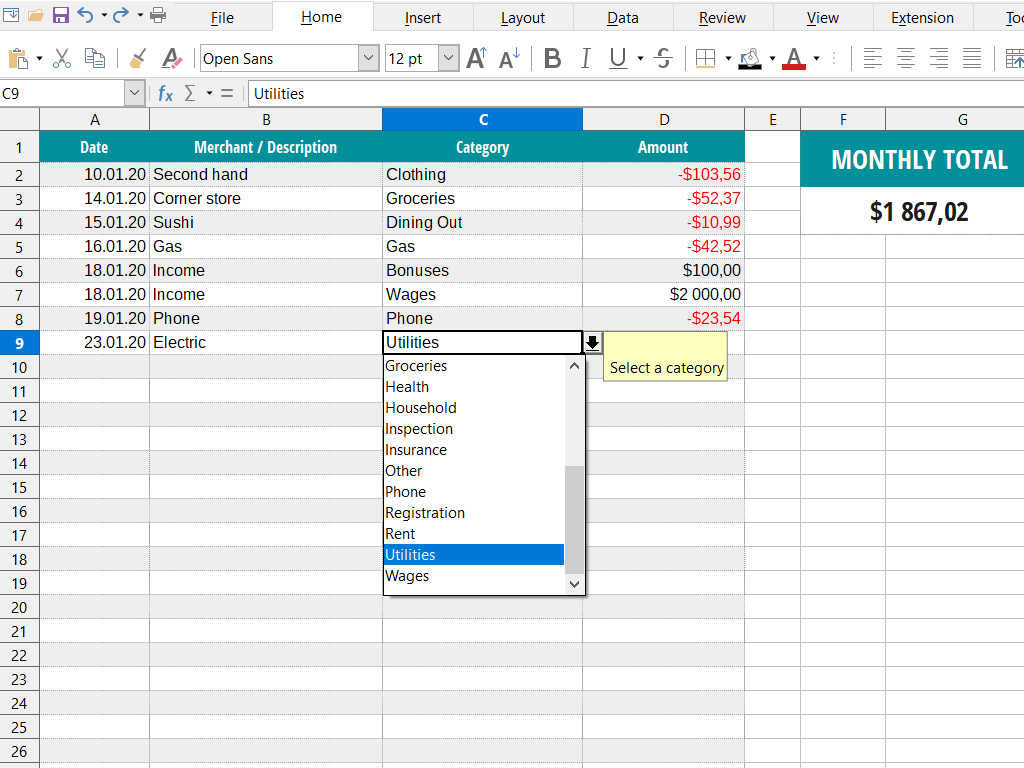
LibreOffice is a free, open-source office suite. Its tools include Writer for documents, Calc for spreadsheets, and Impress for presentations. Those categories cover many everyday tasks, but a feature list alone cannot tell you whether a change of office software will work for your files and collaborators.
Choose representative samples
Make copies of three files you regularly use: a formatted document, a spreadsheet with calculations, and a presentation. Use nonsensitive examples where possible. Include the elements that matter in your workflow, such as a table, a chart, or a carefully arranged page. Keep the originals untouched.
Check more than whether a file opens
- Inspect the layout: headings, page breaks, tables, slide positions, and fonts.
- For a spreadsheet, compare key totals against a known-good copy. Change a sample input and confirm that dependent results behave as expected.
- Save a separate copy in the format your collaborator needs.
- Have the recipient open that copy in their usual application and check it too.
- Repeat with the final delivery format, including a PDF if your workflow uses one.
Compare the whole workflow
A no-cost application can still require time to learn and validate. Write down any repeated adjustments and estimate how often you would need them. Conversely, if a simple document or budget sheet works cleanly, avoid judging your everyday needs by features you never use.
Make a limited decision first
Try one low-risk project before moving an archive or a shared process. Keep backups and agree on file formats with collaborators. LibreOffice is a candidate when its document, spreadsheet, and presentation tools match your work. This article does not establish compatibility with a particular Microsoft Office file, macro, font, or integration; those require testing.
Sources and corrections
LibreOffice official suite overview — consulted October 23, 2026. Product details can change.
For corrections, contact aolds71@gmail.com.